
| Symptom | First action | Planning use |
|---|---|---|
| You need a copy of your record | Check for a patient portal account, then use the portal’s sharing function or a written release form | The portal suits a quick look. A signed authorization form suits a formal copy sent by mail or fax. |
| A lab value carries a flag | Compare the result with the reference range printed beside it and note the unit | Treat the flag as a question for your clinician, not a conclusion. |
| A radiology report is full of unfamiliar words | Read the impression first, then the findings | You get the reader’s overall conclusion before the detail. |
| A term makes no sense | Highlight it and look it up before your visit | Whatever is still unclear becomes a specific question. |
| An entry looks wrong | Submit your provider’s amendment request form | A written request creates a clear record of what you want changed. |
Request steps and the amendment form follow M Health Fairview’s medical records guidance, and the lab and imaging descriptions follow this overview of medical record components.
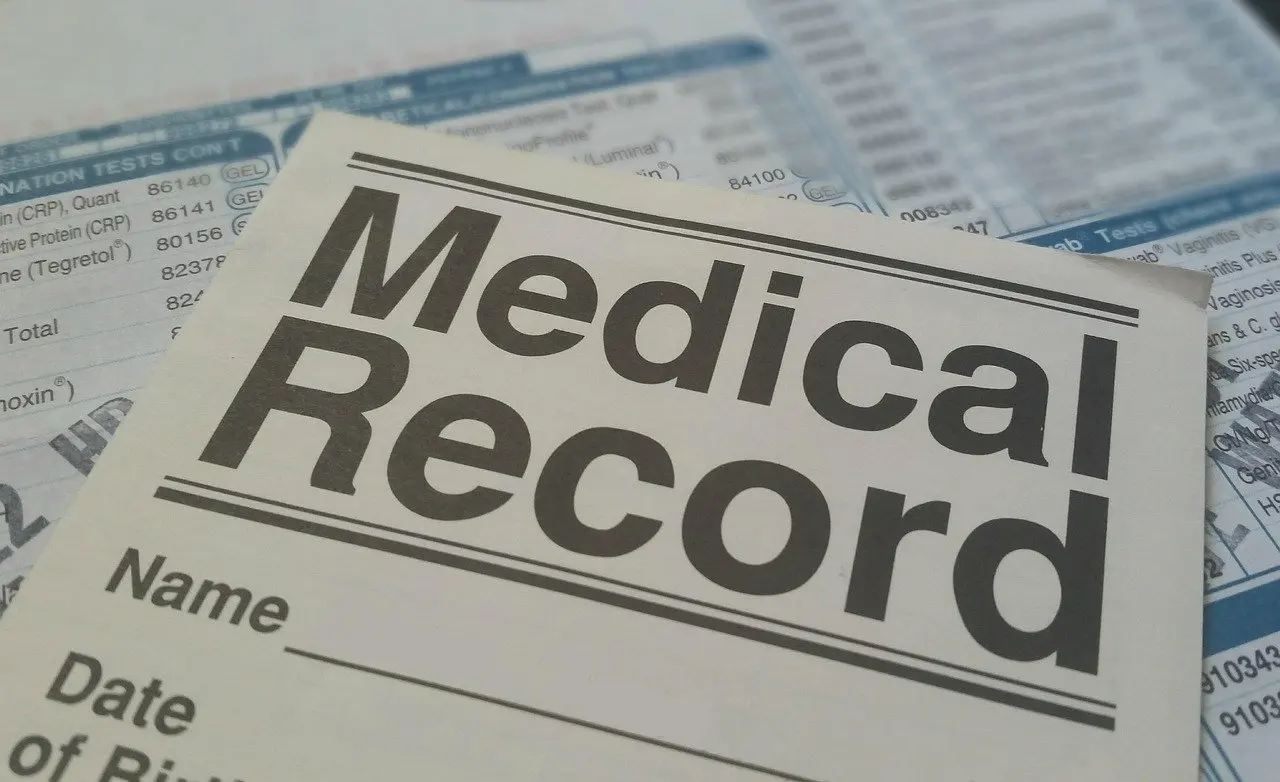
To learn how to read your medical records, first identify the document type. Lab results give objective data, imaging reports describe scans, and a patient portal is often the easiest way to see both. Mark anything unclear and ask your clinician.
Records are most useful when you walk into an appointment with specific questions, and the approach in how to speak up for yourself at the doctor pairs well with the steps below. The goal is simple: get your own copy, understand the layout of each document, and know what to do when something is confusing or incorrect.
Getting your records
You have a legal and practical route to your own record. The HIPAA Privacy Rule gives patients the right to see and get a copy of their health record, which is the HIPAA right of access. Providers describe the same entitlement in plain terms: you have the right to view and request a copy of your medical record.
Start with the patient portal
If you already have a patient portal account, log in first. M Health Fairview explains that patients with a MyChart account can log in and access their records. The same portal also handles formal copies: its Sharing Hub page is where you ask for them. Other providers use different portals and names, but the logic is the same. Look for a records, sharing or release section before you reach for paper forms.
Use a written release request when the portal is not enough
Choose a written request when you have no portal account, want a formal copy, or want records sent to another person or provider. Fairview’s release of information authorization form can be sent by mail or fax. Fill in every section, because an incomplete form is the most avoidable cause of delay. Keep a copy of what you send so you can show exactly what you asked for and when.

Reading a lab report
Lab results are the most objective part of a record. They provide objective data about your health and include blood tests, urine tests and other analyses. Most lab reports follow a similar layout, so learning the parts once helps with every report.
Parts of a typical lab report
- Header details. Check your name, date of birth and the ordering clinician first. A report that belongs to someone else, or carries the wrong details, is the first thing to correct.
- Test name. Each line names what was measured. Several related tests often sit under one panel heading.
- Result and units. The number is meaningless without its unit, so read both together, especially when comparing against an earlier report.
- Reference range. This column shows the range the laboratory uses for comparison. Your result is read against it.
- Flag. A letter or symbol marks values that fall outside the printed range.
- Comments. Notes at the bottom can explain how a sample was handled or suggest follow-up.
When a value is flagged
Symptom: a result sits outside the reference range. Fix: write down the test name, your value, the unit and the range exactly as printed, then ask your clinician what it means for you. A flag marks a difference from the range the lab uses. It does not tell you why the difference exists, and your clinician reads it alongside your history and other results.
Results in a patient portal
Portal test results are the same data presented on screen. Read the whole entry, including the comment fields, not just the headline result. If a value has no visible range or unit, open the full report view, or ask for the printed version through your provider’s records office.
Reading a radiology report
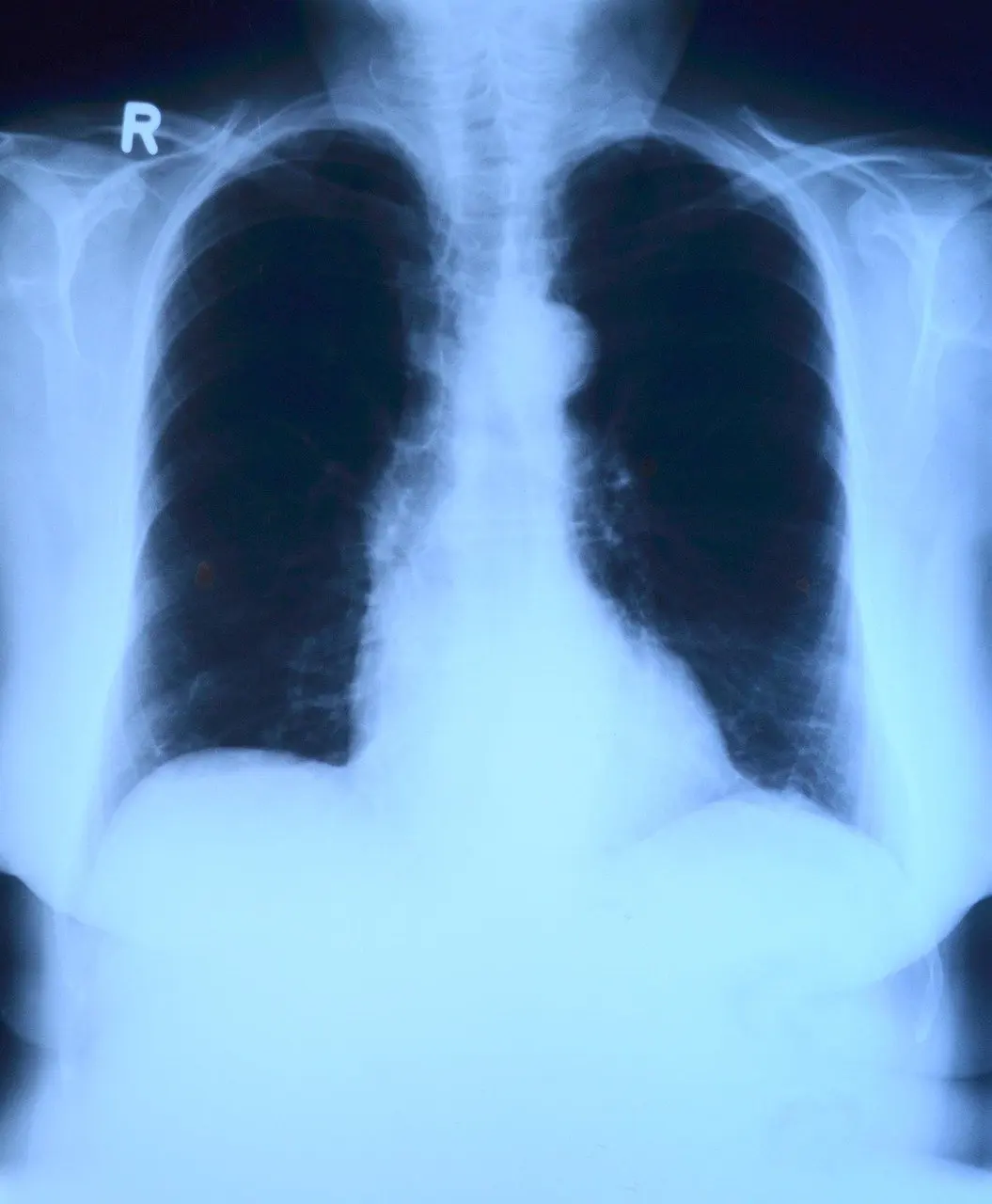
A radiology report is the written reading of an image. Diagnostic reports cover findings from imaging studies such as X-rays, MRIs and CT scans. The image itself is rarely what you receive in the portal. The report is.
Parts of a typical radiology report
- Exam type. This names the study and the body area, so confirm it matches what was done.
- Reason for the exam. Often labelled history or indication, it explains why the scan was ordered.
- Comparison. Earlier studies used for reference are listed here.
- Findings. The detailed, technical description of what the reader saw, structure by structure.
- Impression. The reader’s summary conclusion, usually the most useful part for a non-specialist.
Working through unfamiliar wording
Symptom: the findings section reads like another language. Fix: read the impression first, then return to the findings and underline every word you cannot define. Look those words up in a reference such as medical terminology for patients before you phone the office, so your question is about meaning for you, not about vocabulary.
Unclear entries and errors
Confusing text and incorrect text call for different responses. Confusion means you ask for an explanation. An error means you ask for a change.
Something you do not understand
Do not guess from a single line. Highlight it, note which document and date it comes from, and take it to the clinician who ordered the test or wrote the note. If the confusion is about a diagnosis name rather than a result, how to understand your diagnosis covers that next step.

Something that looks wrong
Wrong details are a different matter: a misspelled name, a medication you never took, or a test you never had. To request a change, complete a Request for Amendment to Health Information form and send it to the provider. Other providers may name the form differently, so ask the records office which one applies. State the entry, the date, what is wrong and the correction you want, in plain words. An amendment request is a written ask, so attach any supporting document you have and keep a copy.
Preparing questions for your appointment
Reading records pays off when it ends in a conversation. Print or save the documents you have, and mark each item you want to raise. Group the marks into three kinds: things you do not understand, things that look wrong, and things that worry you.
Take the shortest list that covers your priorities, and put the most important question first so it is asked even if time runs short. Ask your clinician to point to the line in the record that supports their answer. That keeps the discussion tied to the document and makes it easier to see whether a correction is needed afterwards.

Frequently asked questions
| Question | Answer |
|---|---|
| Who can help me complete a release form? | Fairview staff take phone calls from 8-4:30 Monday through Friday for help completing or submitting forms, and the completion instructions are on page 2 of the form. Check your own provider’s records office for its hours. |
| Do I need to transfer records between departments of the same health system? | Not when they sit in the same electronic health record. Fairview states that its records are available to all areas of the system, so no transfer is needed. |
| Is a flagged lab result a diagnosis? | No. The flag points to a value outside the printed range. Your clinician decides what it means for you. |